TallyPal on Apple TV
Put the scoreboard on the TV so everyone in the room can see it. You keep score on your iPhone or iPad; the TV follows along.


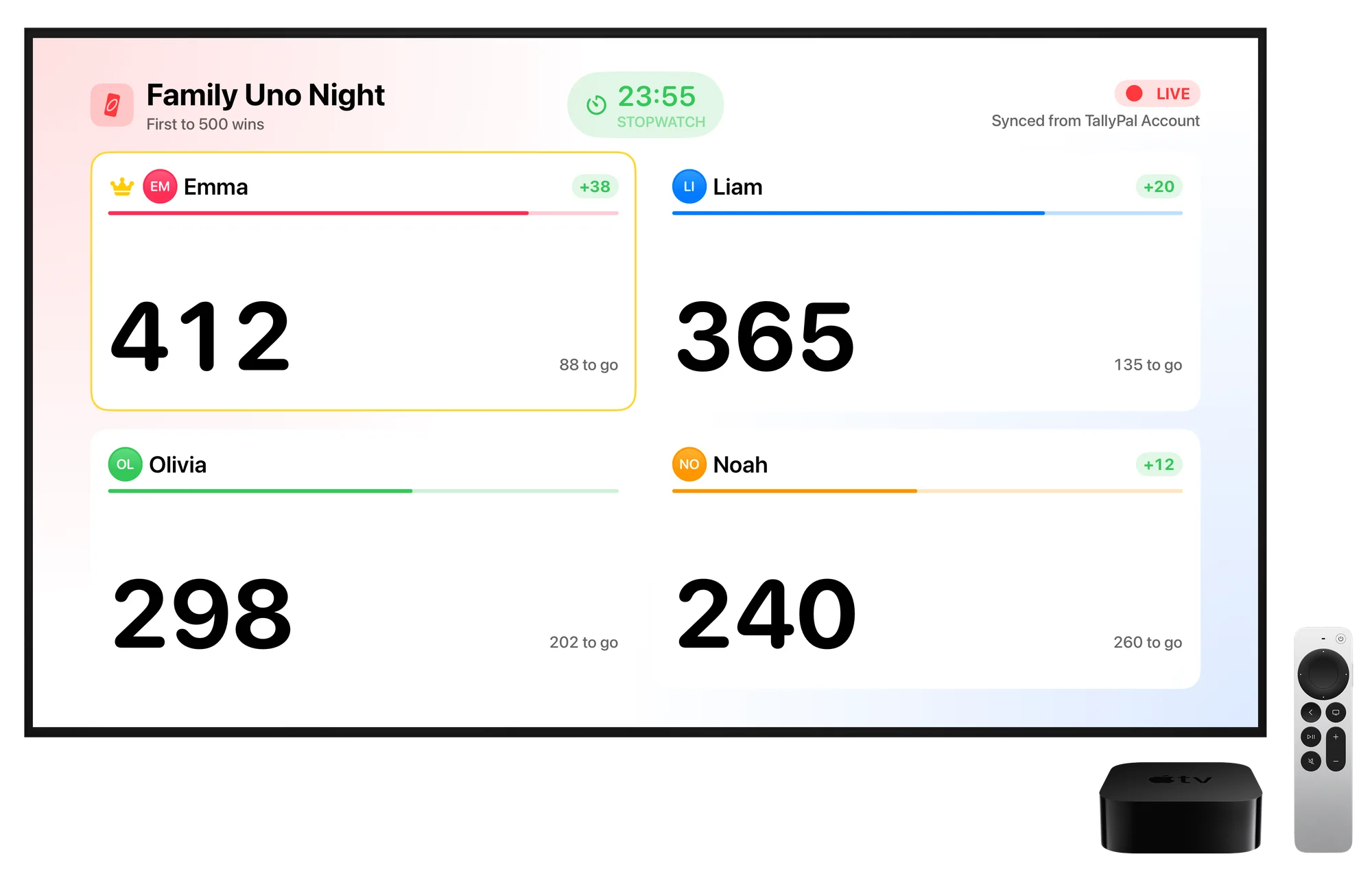
Show a game from your iPhone
No account needed. Your iPhone or iPad and Apple TV just need to be on the same Wi-Fi network.
Open TallyPal on Apple TV
Download TallyPal from the App Store on your Apple TV and open it.
Open a game on your iPhone
Start a new game or open one that’s in progress.
Tap Share › Show on Apple TV
Pick your TV from the list. The scoreboard appears right away, and every score you enter shows up on the TV.
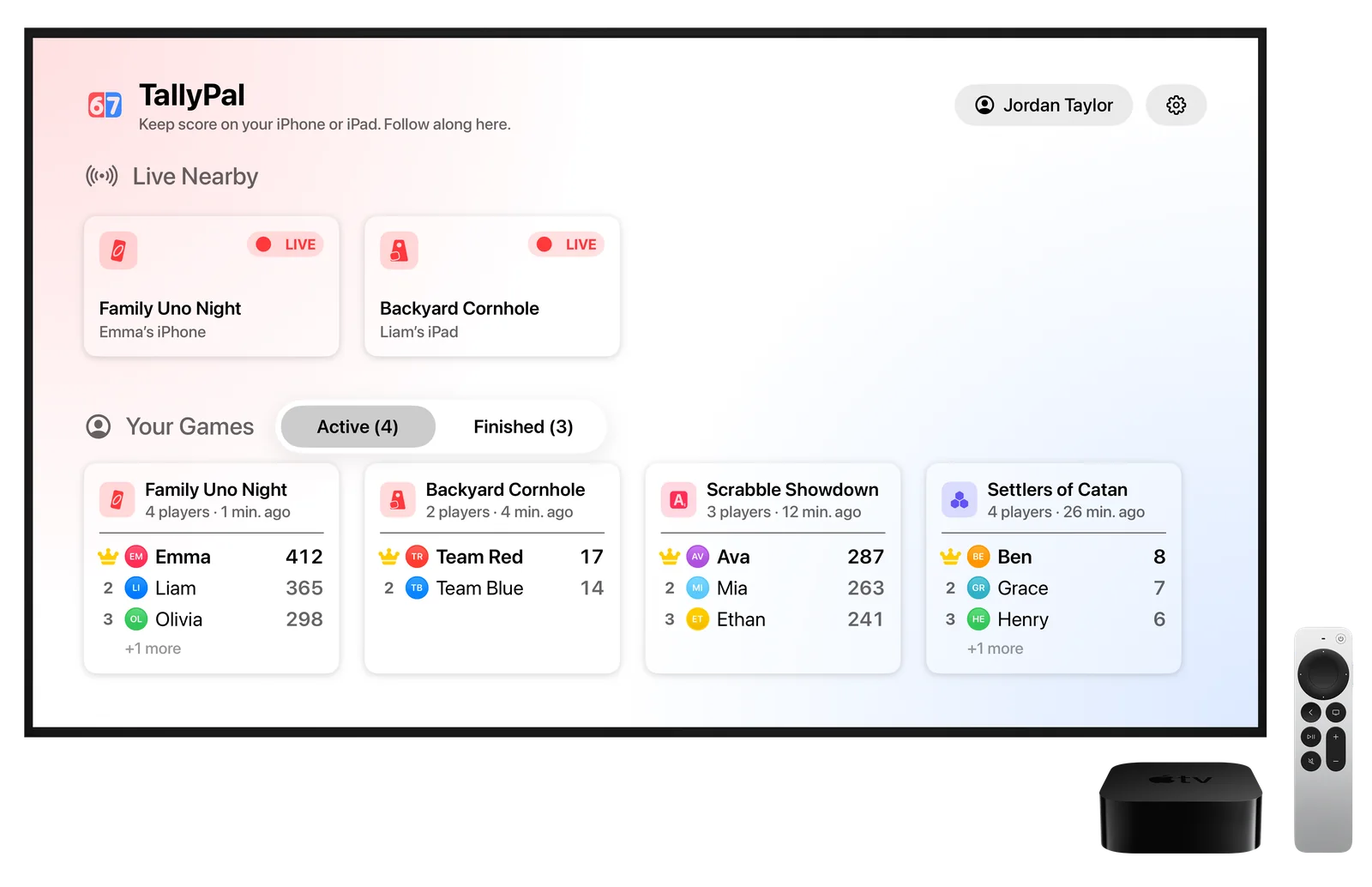
See all your games
Sign in to your TallyPal Account on Apple TV and every synced game appears on the TV, active and finished. Scores update live as anyone enters them.
Open Settings on Apple TV
In TallyPal, choose the gear, then Sign In.
Scan the code
Point your iPhone camera at the QR code on the TV.
Approve on your iPhone
TallyPal opens and asks you to confirm. The TV signs in to the same account.
Make it yours
Apple TV has its own settings in TallyPal.
Card Size
Small, Medium or Large player cards, depending on how far the couch is from the TV.
Appearance
Follow the Apple TV setting, or always use light or dark.
What’s on the scoreboard
Turn player photos, the last score change, the game timer and the winner confetti on or off.
Keep Scoreboard on Screen
Stops the screen saver from covering the score while a game is showing.
Allow Show on Apple TV
Turn this off if you don’t want nearby iPhones and iPads to send games to this TV.
Troubleshooting
My Apple TV doesn’t show up.
- Make sure TallyPal is open on the Apple TV and both devices are on the same Wi-Fi network.
- On Apple TV, open TallyPal Settings and check that Allow Show on Apple TV is on.
- On your iPhone or iPad, go to Settings › Privacy & Security › Local Network and make sure TallyPal is turned on.
The scoreboard stopped updating.
If your iPhone locks or leaves the Wi-Fi network for a while, the connection can drop. Open the game on your iPhone and choose Show on Apple TV again. If you’re signed in on the TV, your synced games keep updating either way.
Which Apple TV models work?
Apple TV HD and Apple TV 4K with tvOS 18 or later.
Get TallyPal for iPhone, iPad and Apple TV